
Package, manifest, spine, navigation, metadata, links, and content are checked with EPUBCheck.
Book formatting features
From manuscript structure to validated book files.
BookSetter treats a book as a publishing system, not a decorated document. Confirm what every section means, resolve print and ebook behavior independently, inspect rendered pages, and export the evidence with the files.
Book Mapconfirm structure first
Print + EPUBseparate render plans
Deterministicreproducible settings
Measuredreports with every build
Before formatting
Confirm the Book Map before page numbers begin.
BookSetter detects title matter, copyright, contents, parts, chapters, appendices, and back matter. Uncertain classifications are surfaced for author review, which prevents an unmarked manuscript from being treated entirely as Roman-numbered front matter. Review the front-matter and page-numbering rules.
- ImportRead DOCX, Markdown, TXT, RTF, ODT, HTML, reStructuredText, AsciiDoc, Org, or LaTeX while preserving the source manuscript. Recover text-based PDFs into editable Markdown, LaTeX, or DOCX before Book Map review. Prepare a semantic DOCX.
- DetectBuild a semantic map from headings, labels, order, and manuscript evidence.
- ConfirmLet the author correct uncertain sections before pagination and navigation are generated.
- CompileResolve one confirmed manuscript into output-specific print and ebook plans.
Output-specific composition
Print control where it belongs. Reader control where it matters.
| Capability | Print-ready PDF | Generic and Kindle EPUB |
|---|---|---|
| Typography | Embedded licensed fonts, measured line length, hyphenation, justification, widows, and orphans | Reader-controlled body type, relative sizing, semantic headings, and conservative CSS |
| Page architecture | Trim, margins, recto starts, intentional blanks, running heads, and page-number plans | Logical spine order, landmarks, navigation, footnote links, and reflow-safe sections |
| Images and tables | DPI checks, width planning, caption anchoring, and page placement | Responsive images, alt text, table headers, and reading-system resilience |
| Release checks | PDF syntax, boxes, font embedding, image resolution, page logic, and vendor-risk diagnostics | EPUBCheck, accessibility linting, link checks, package integrity, and Kindle review checklist |
Proof and accountability
A file is not finished merely because it opens.
Every production build is evaluated for structural validity and rendered-page quality. The system records what was selected, what passed, what remains manual, and what should block release.
Fonts, page boxes, trim, bleed, image resolution, syntax, and disallowed artifacts are reported.
Language, heading order, alt text, tables, links, footnotes, scene breaks, and fixed-size CSS are linted.
Source and output text are compared so missing words and suspicious transformations are not hidden by a clean render.
Every production font must be registered with explicit bundling, print embedding, and ebook embedding permissions.
The manuscript hash, resolved recipe, engine version, manual confirmations, and validation results stay with the edition.
Text-based PDFs can be reconstructed into Markdown, LaTeX, or DOCX with source-page markers, page-furniture removal, text-integrity evidence, and explicit review warnings.
Public evidence
Review the output and the receipts.
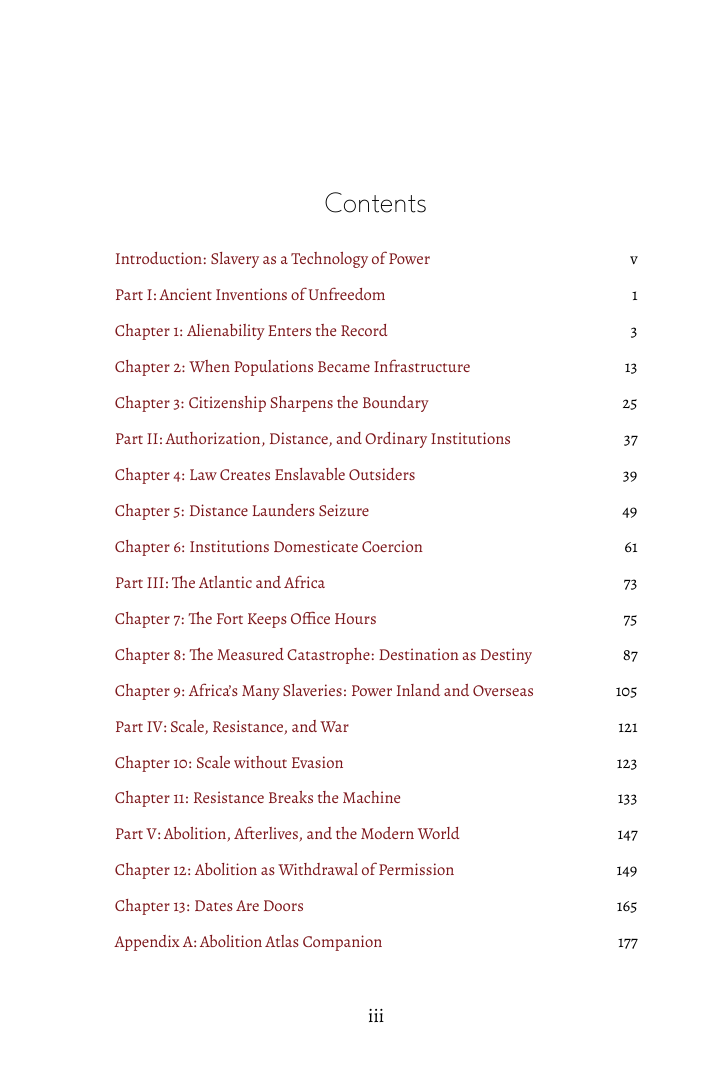
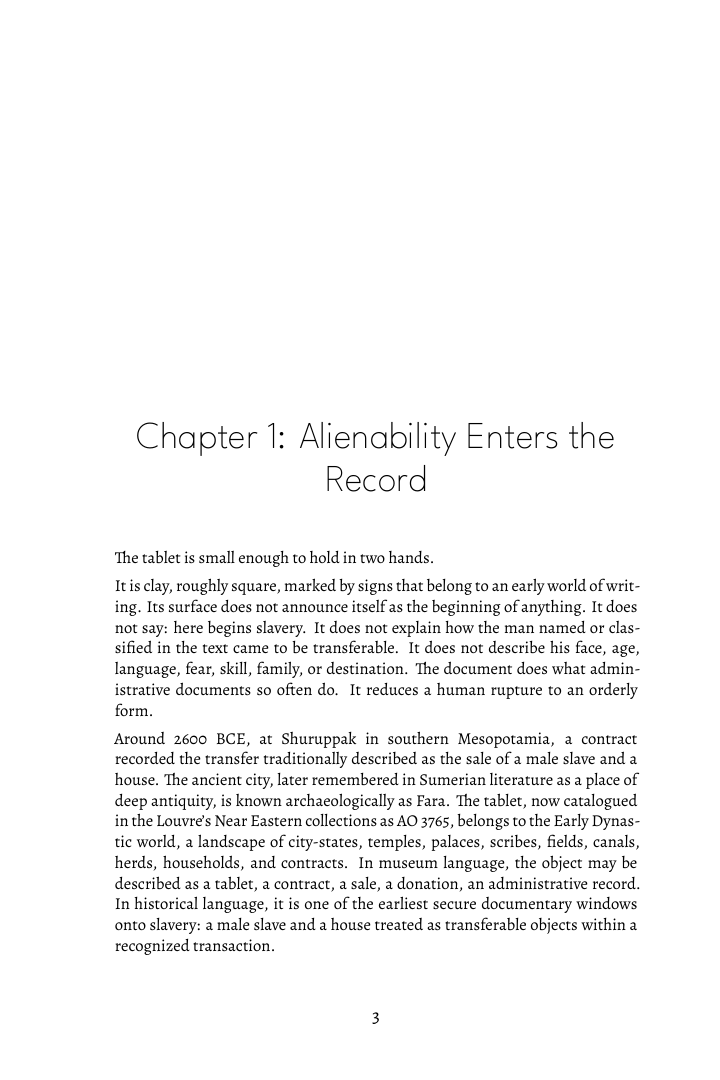
The History of Slavery case study includes source Markdown, rendered front matter, chapter and table pages, a selected-page PDF, font inventory, word-integrity report, EPUBCheck output, and PDF preflight.
Start with a limited free beta edition.
Eligible verified creators can receive one publishable package without a card. Cohort and fair-use limits apply; additional books remain pay per book.
Product facts reviewed July 15, 2026.